in practice · 2026-08-18 · 3 min
Designing Mantium: Enterprise AI Chat UX (Case Study)
I led UX design for Mantium, an enterprise GenAI platform: onboarding, secure chat, and a no-code app builder. First deploy went from 2+ hours to under 30 min.
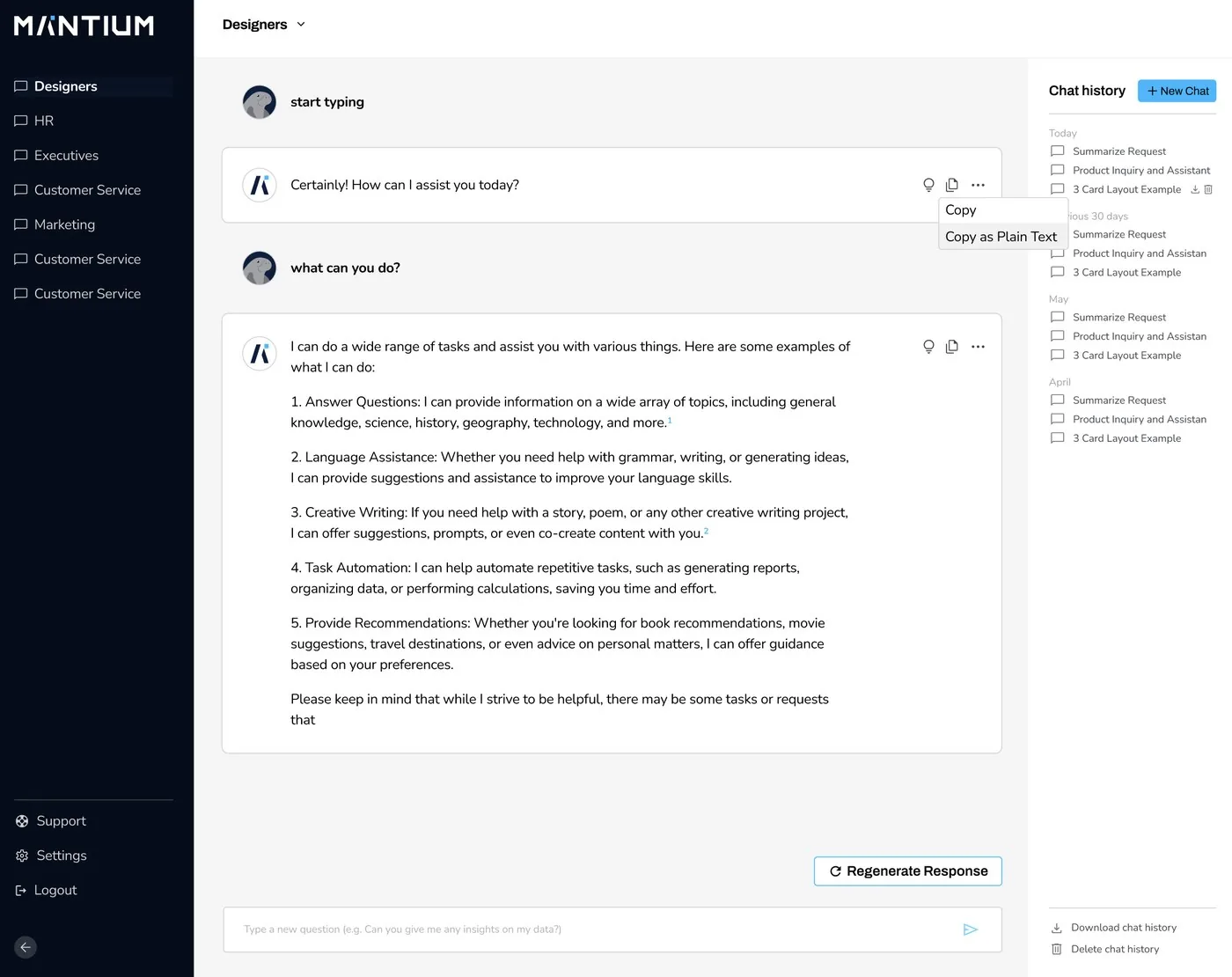
Mantium was a generative AI platform that let enterprises build secure, AI-powered chat applications on their own data, with no code required. Signing up took five minutes and eight clicks. A new enterprise customer's first real deployment averaged over two hours. Getting that under thirty minutes was the work.
Designed for teams with strict compliance and security requirements, the platform used Retrieval-Augmented Generation to deliver intelligent, context-aware responses. As the product designer, I led end-to-end design across feature planning, prototyping, research, and dev collaboration, delivering a human-first interface in a fast-paced, AI-driven environment.
The challenge
Enterprises wanted to deploy custom AI chat systems using their internal data, but most solutions lacked security controls, lacked intuitive design, or required engineering resources to build. Mantium's challenge was to deliver enterprise-grade functionality without complexity. A design that could bridge the technical sophistication of RAG with an approachable no-code UI.
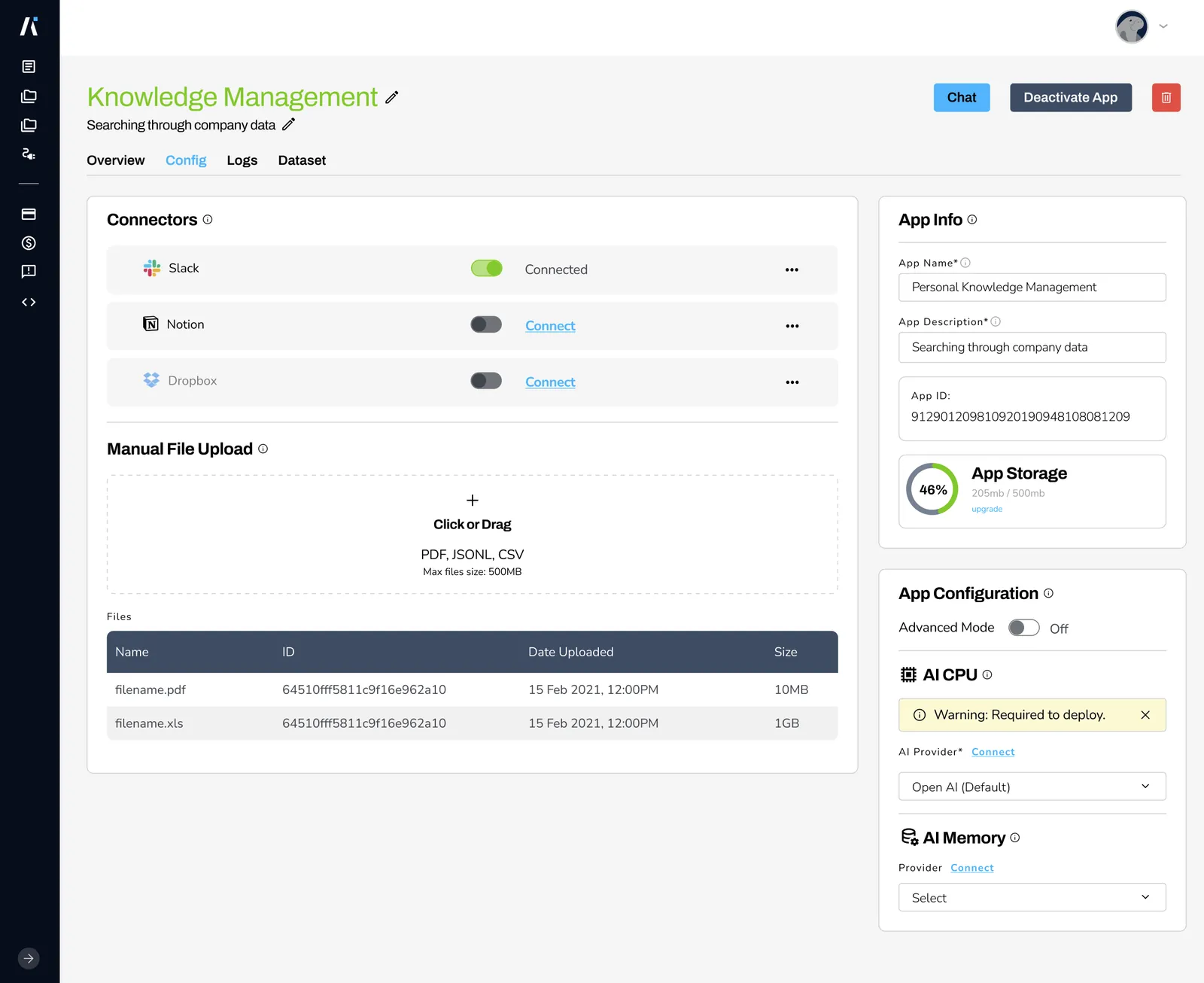
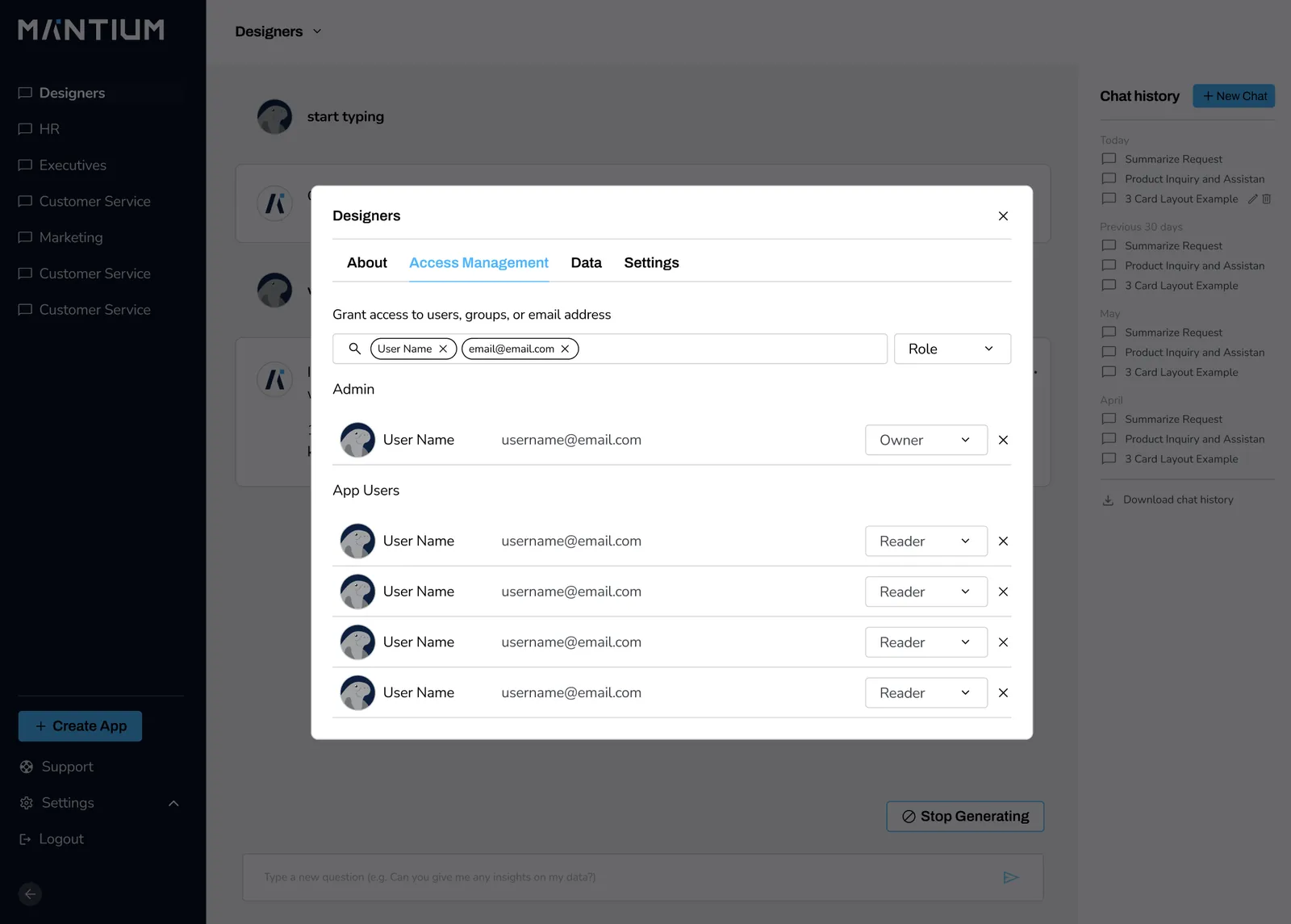
The gap showed up in the numbers. Getting in was easy: under five minutes, eight clicks. Getting something useful out was not. What people were actually doing was transforming their enterprise data and creating a knowledge base for their company to use internally, all without technical knowledge. Four things had to happen before anyone else could see a result: connecting the data sources, transforming and preparing the data for deployment, assigning permissions at the row level, and inviting other people in to view and test the application. For a first-time enterprise customer that averaged over two hours, and ran longer with more data, since the transformation itself cost tokens and time.
Research and conceptualization
We conducted in-depth research targeting enterprise customers seeking secure, AI-enhanced communication platforms. Competitive analysis of leading platforms, including Anthropic, Google, and OpenAI, informed our design strategy, and shaped the roadmap around user trust, data privacy, and ease of use.
My role and approach
End-to-end product design. Led all stages of the product lifecycle, from gathering requirements to shipping high-fidelity designs. Created user flows, wireframes, and clickable prototypes tailored for enterprise-level use cases.
AI research and strategy. Deep research into enterprise AI adoption needs and expectations. Benchmarked against Anthropic, OpenAI, and Google to define differentiators.
Rapid iteration and startup agility. Adapted designs weekly in response to fast-changing technical specs and user feedback. Kept close communication with leadership and engineering to balance feasibility with UX quality.
Developer collaboration. Used GitLab, Loom, and Slack for async design reviews. Shared Figma prototypes and specs that supported tight weekly release cycles across a growing international team.
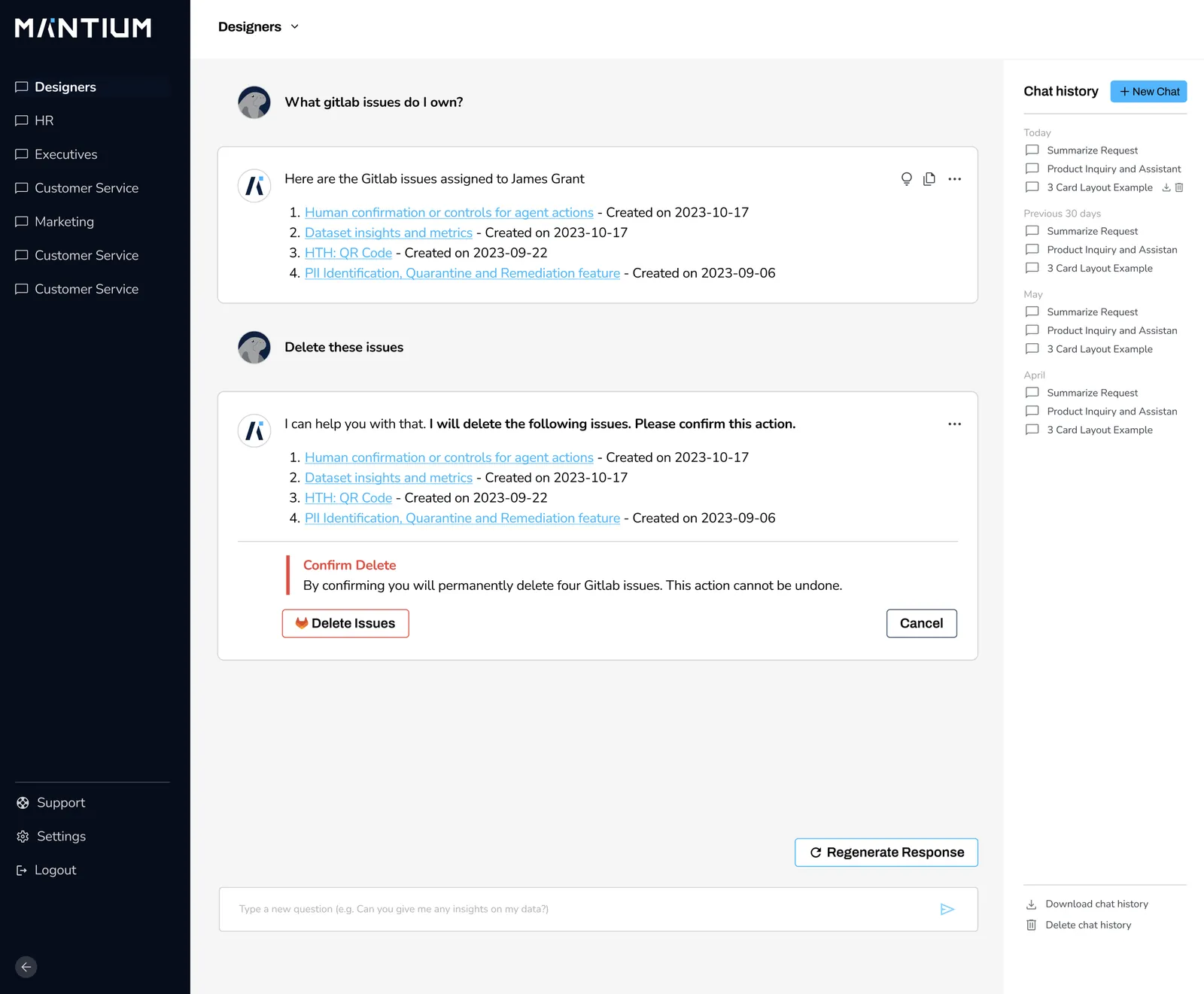
Human-centric interaction design. Focused on natural, intuitive interactions so a technically complex product felt lightweight. Designed conversational interfaces that emphasized clarity, context, and user trust.
What changed
- Average time to first deployment, new enterprise customers: 2+ hours → under 30 minutes.
- Signup stayed what it always was: under five minutes, eight clicks.
- Three major releases shipped, through product-market-fit exercises, rapid prototyping, and
user research.
- Production-ready designs delivered for the critical workflows: chat setup, knowledge ingestion,
and prompt configuration.
- Mantium positioned as a secure, no-code alternative to the major AI platforms.
Separately, and for our own team: I built a centralized AI knowledge base in Notion integrated with Slack: a living documentation system across processes, HR, and product updates. It cut new-hire onboarding time by roughly 40% and made async-first collaboration workable. That became the template for how I think about AI knowledge systems today.
What this project proves
Building secure, enterprise AI tools doesn't have to mean complex UX. With clear communication, smart research, and rapid prototyping, even the most technical products can be made accessible. This reinforced how GenAI design workflows and cross-functional alignment can move fast without breaking trust or usability, especially in mission-critical enterprise environments.
Selected screens
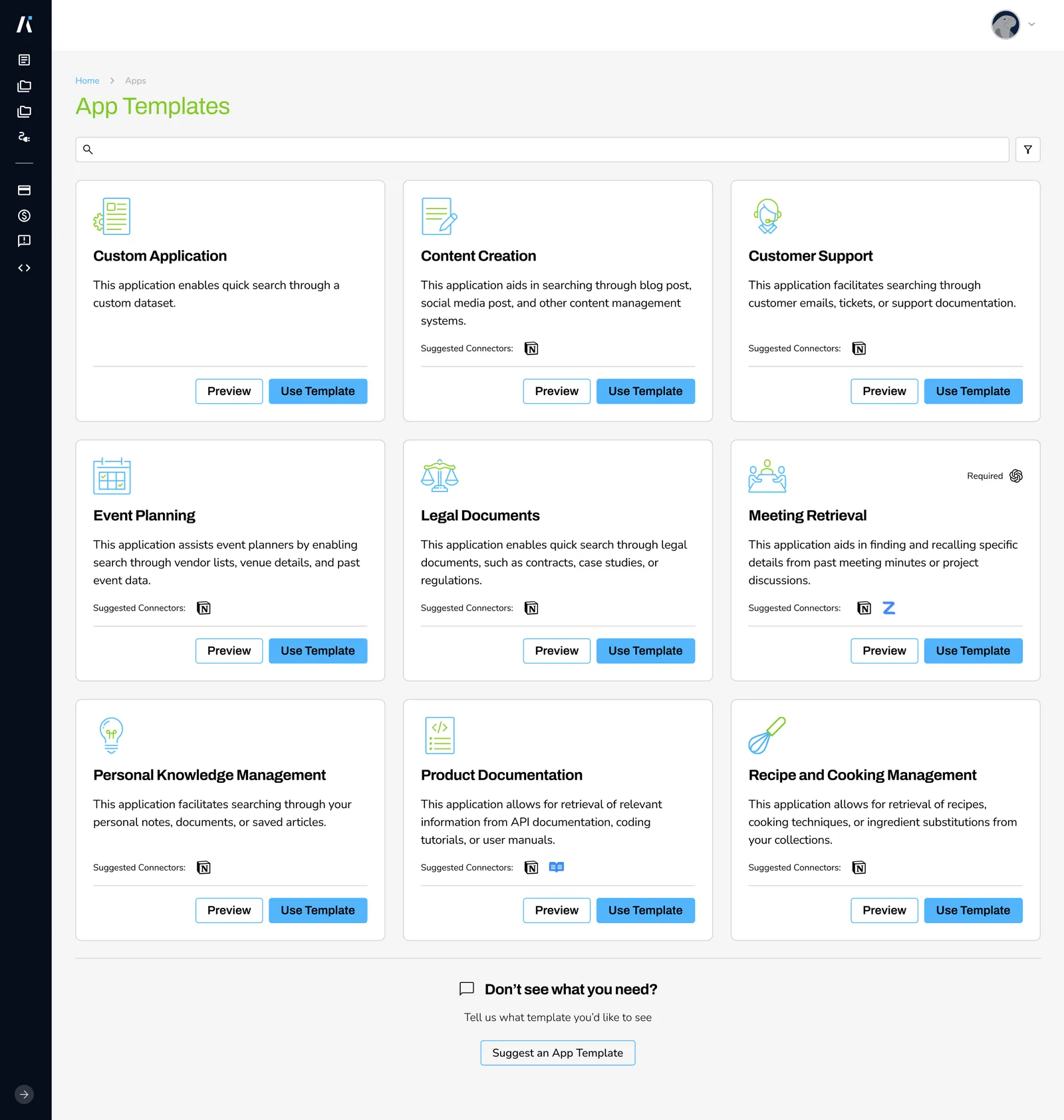
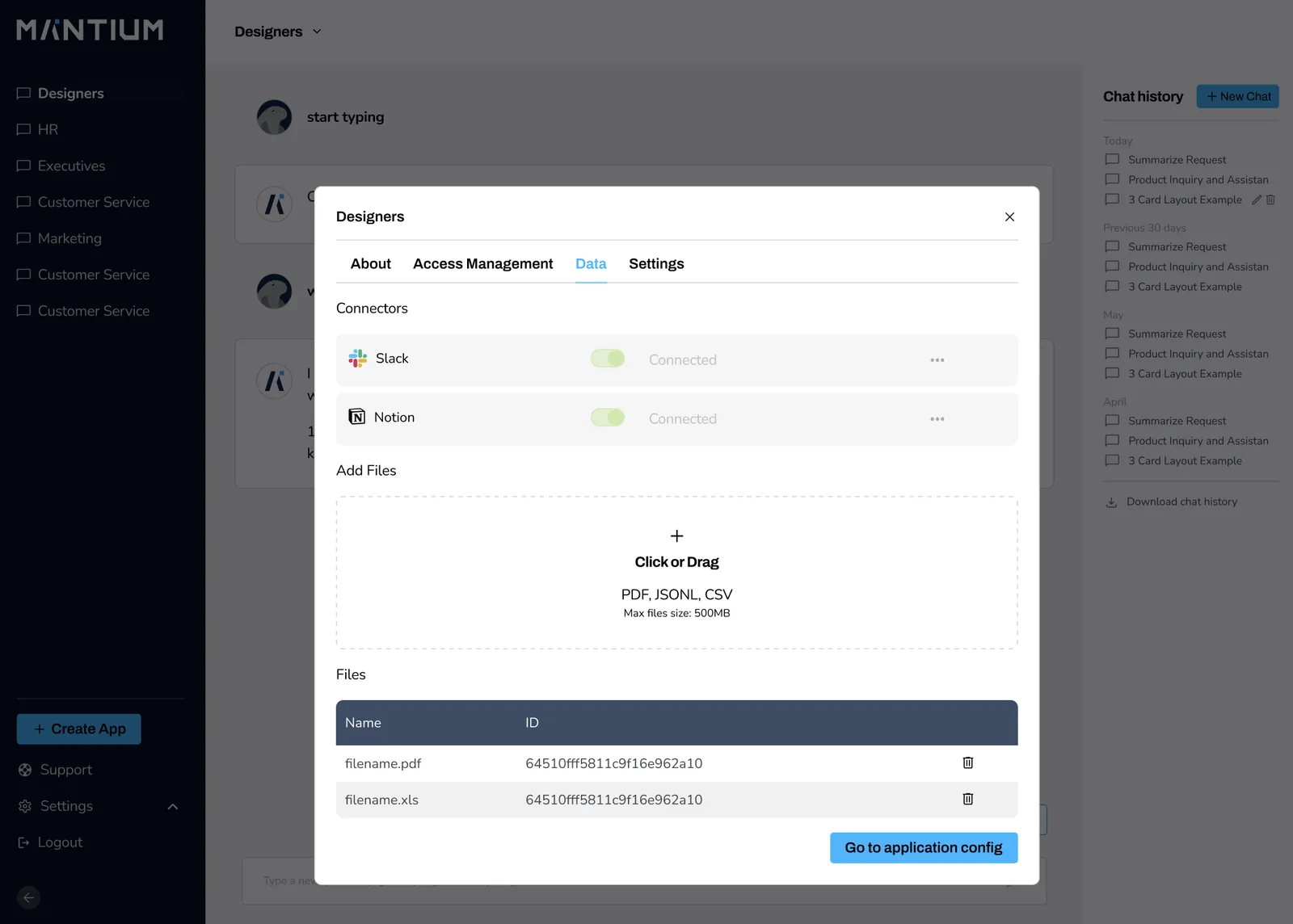
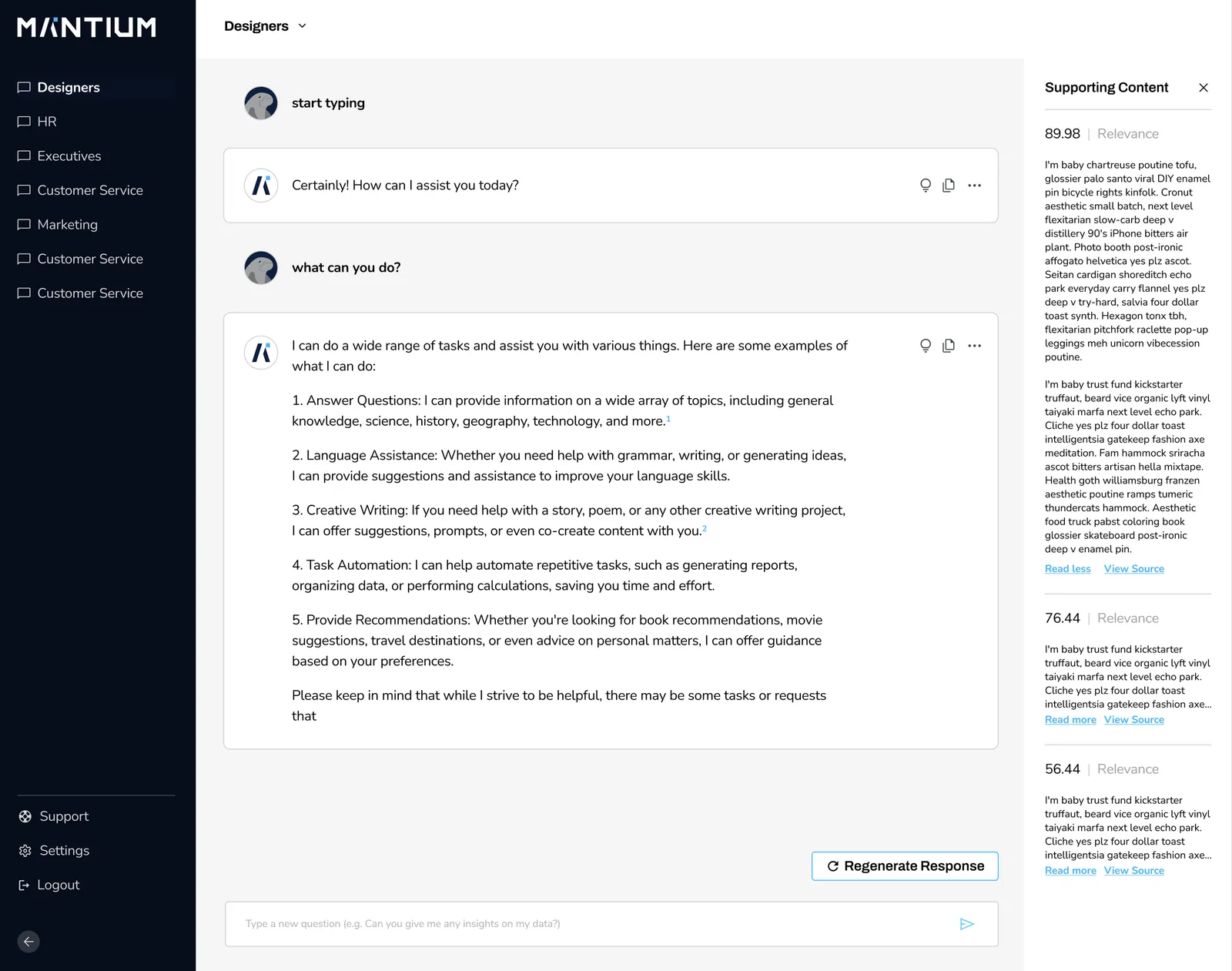
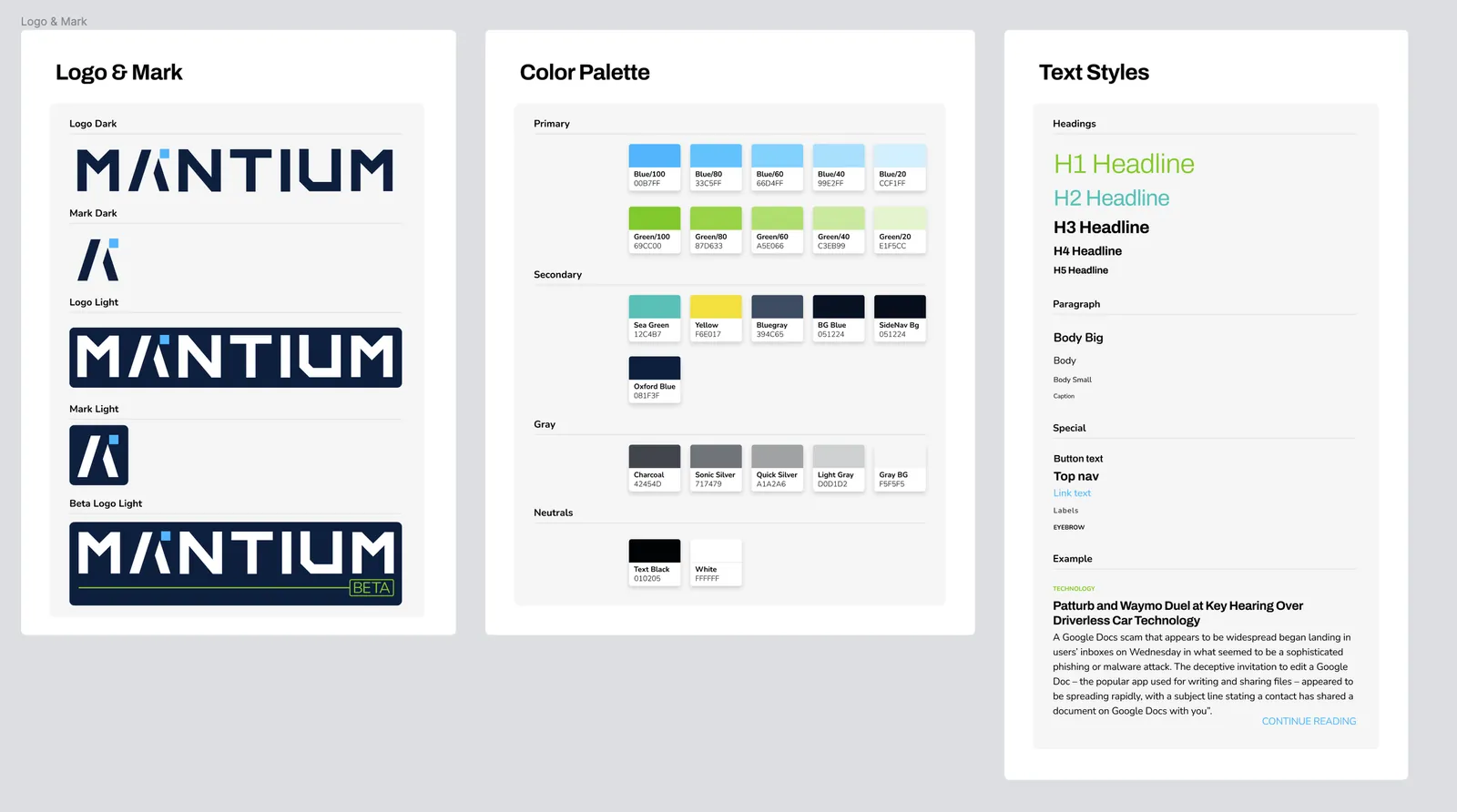
I own creative end to end, from brand and design systems through the production workflows that ship them.
work with me